ChatGPT
 Perplexity
 Gemini
 Claude
 Grok
Grok
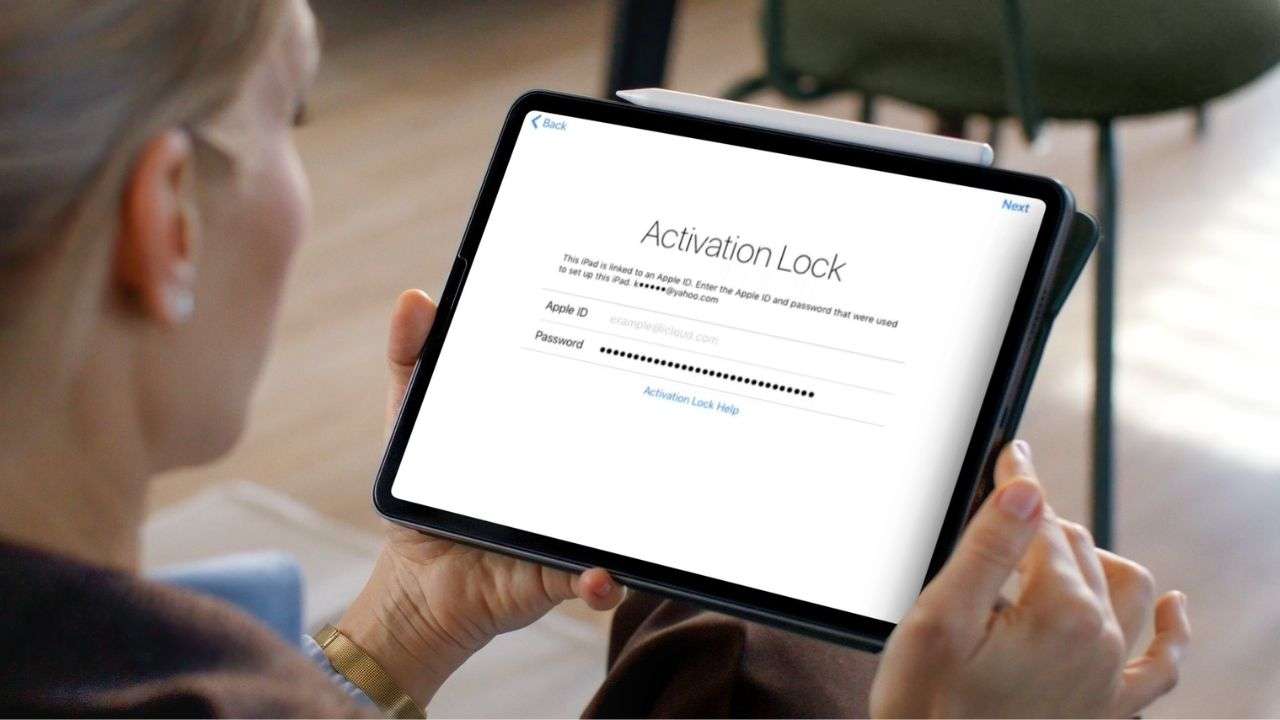
If you're wondering how to bypass activation lock on iPad, the safest and most reliable methods are using the original Apple ID, recovering your Apple account credentials, or using a trusted unlocking solution when official methods are unavailable.
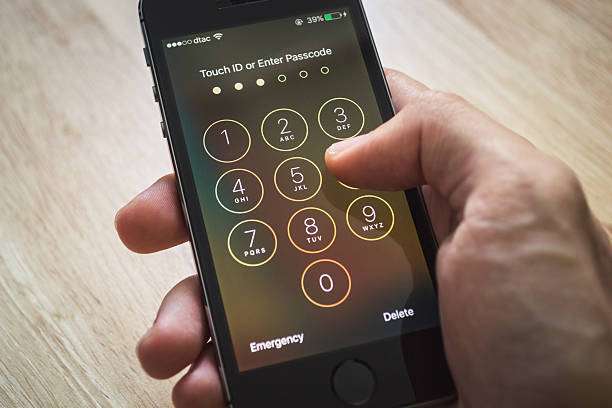
Activation Lock comes with Apple's Find My anti-theft security feature. It can safeguard lost devices, but it can also create issues for people who have forgotten their Apple ID credentials or bought secondhand iPads with Activation Lock on.
In this guide, you'll learn how Activation Lock works, how to get around iPad Activation Lock using Apple's official methods, and what options are available if those methods fail. This article will also introduce Dr.Fone Online Unlock, a solution designed for eligible Activation Lock removal scenarios.
In this article

Part 1. Can You Remove Activation Lock on iPad?
The answer depends on your situation. In many cases, Activation Lock can be removed if you have access to the original Apple account or can verify ownership.
Quick Comparison Table
| Situation | Can It Be Removed? | Recommended Solution |
|---|---|---|
| You know the Apple ID and password | Yes | Sign in normally |
| You forgot the password | Yes | Apple Account Recovery |
| Previous owner is reachable | Yes | Ask them to remove the device |
| Device belongs to a company or school | Usually | Contact the administrator |
| No account access and no owner contact | Depends | Consider a trusted unlocking solution |
| Device is reported lost or stolen | No | Contact Apple or the rightful owner |
How Activation Lock Works
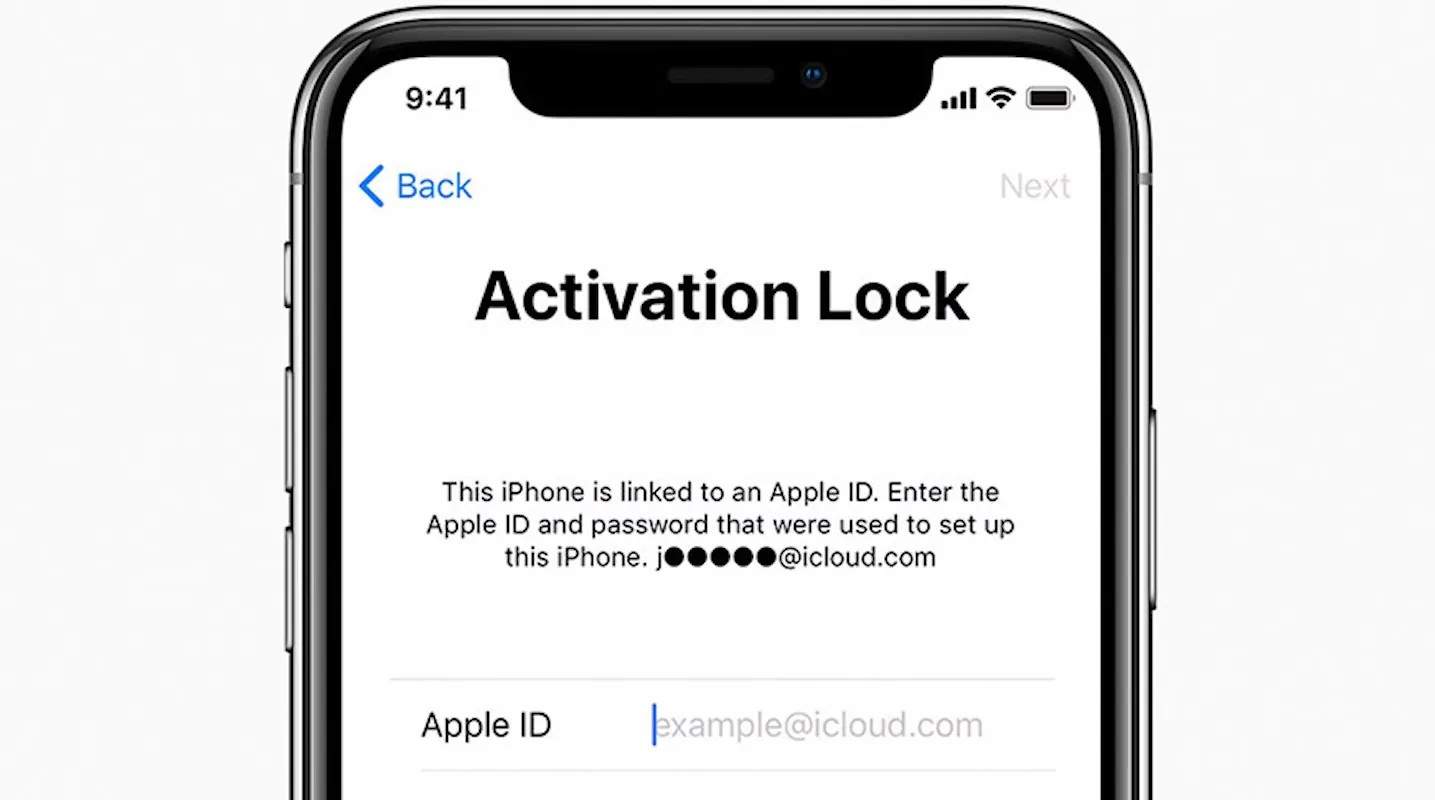
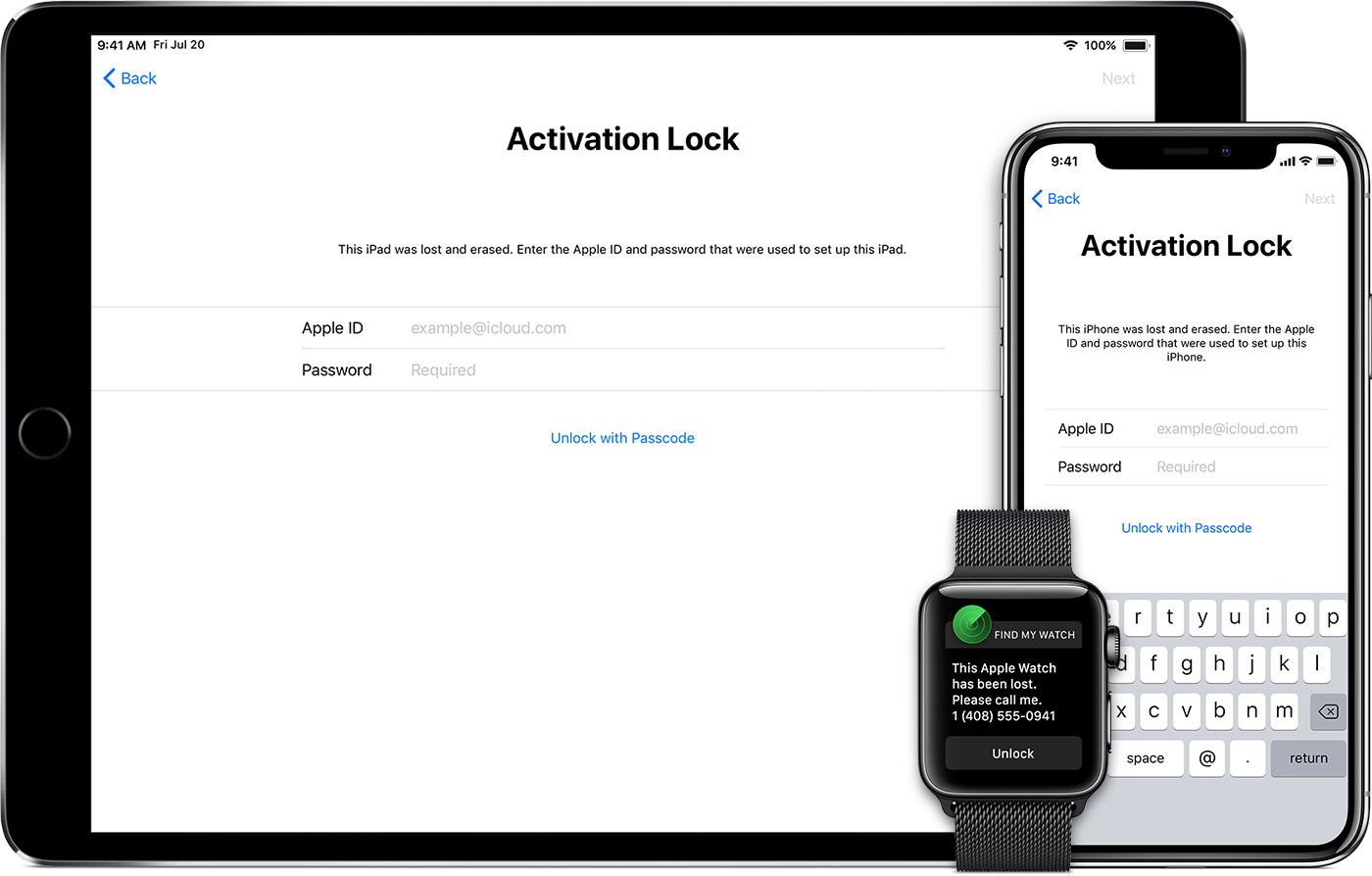
Activation Lock automatically turns on when Find My is enabled on an iPad. Once activated, the device becomes linked to the owner's Apple Account.
Even after the iPad is erased or factory reset, Apple requires the original account credentials before the device can be activated again. This prevents unauthorized users from using lost or stolen devices.
Part 2. How to Get Around iPad Activation Lock: Official Methods First
Before trying any third-party solution, Apple recommends attempting the official methods below.
Method 1: Sign In With the Original Apple ID
If you know the Apple ID associated with the iPad, this is the fastest solution.
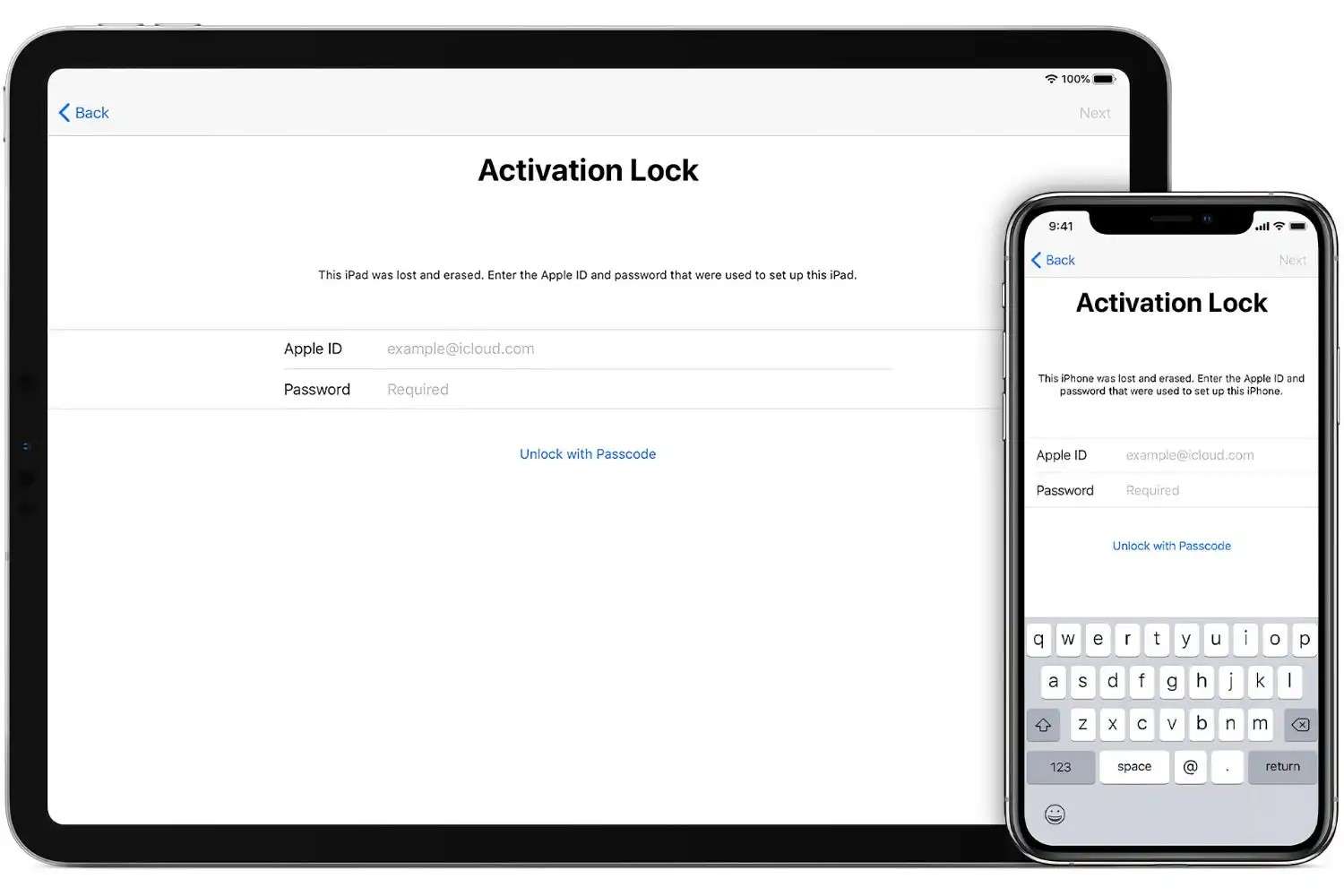
- Step 1: Reach the Activation Lock Screen
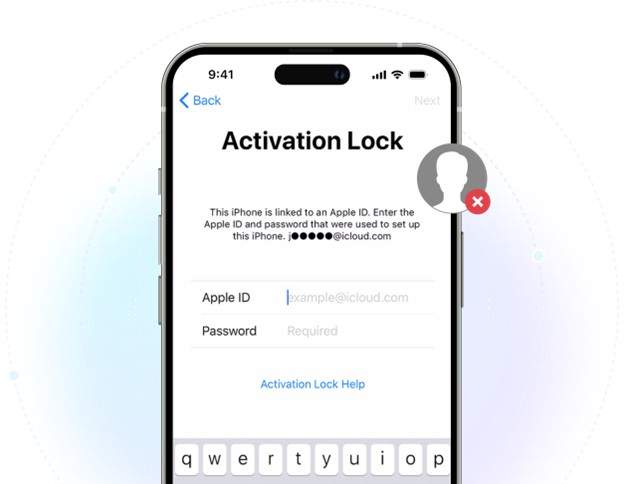
Turn on the iPad and complete the setup process until the Activation Lock screen appears. - Step 2: Enter the Apple ID Linked to the iPad
Enter the email address and password originally used with the device. - Step 3: Verify Your Identity if Requested
Apple may ask for two-factor authentication or other verification methods. - Step 4: Complete Device Setup
Once verified, Activation Lock will be removed, and you can finish setting up the iPad.
Method 2: Reset Your Apple Account Password
If you forgot your password, Apple provides official recovery options.
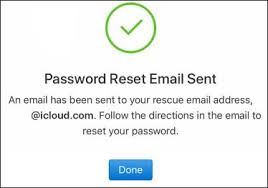
- Step 1: Visit Apple's Account Recovery Page
Go to Apple's official account recovery portal. - Step 2: Enter Your Apple ID Information
Provide the email address associated with your Apple account. - Step 3: Complete Identity Verification
Follow Apple's instructions to verify ownership. - Step 4: Create a New Password and Sign In
Use your new credentials to unlock the iPad.
Method 3: Ask the Previous Owner to Remove the Device
This method is common for used for iPads purchased through online marketplaces.
- Step 1: Contact the Previous Owner
Reach out and explain that the device is still linked to their account. - Step 2: Ask Them to Sign In to iCloud.com
The previous owner should access their Apple account online. - Step 3: Remove the iPad From Their Apple Account
They can remove the device from Find My and their list of trusted devices. - Step 4: Restart the iPad and Continue Setup
After removal, Activation Lock should disappear.
Part 3. Why Official Activation Lock Removal Methods Sometimes Fail
Although Apple's methods work well for many users, there are situations where they are not practical.
Common Problems
- Previous Owner Is Unavailable: Many second-hand devices are purchased through marketplaces where sellers become unreachable after the transaction.
- Forgotten Recovery Email: Users may lose access to old email addresses associated with their Apple ID.
- Locked Apple Account: An Apple account can be temporarily locked for making multiple failed login attempts.
- No Purchase Receipt: Apple has a policy of requiring evidence of ownership for their assistance to disable Activation Lock.
At times, users may encounter multiple issues that combine. A used iPad may still be signed in to the previous owner's Apple ID without a proof of purchase. An Apple account that hasn't been used for years may result in the user losing the recovery email and the recovery trusted contact phone number, and a lack of access to both may hinder recovery the most.
As for steps recovery through official Apple procedures may take, they may prove to be an even greater challenge in gaining access to the device. Limits on official recovery cause many users to search for workarounds for their own circumstances.
Part 4. How to Bypass Activation Lock on iPad Using Dr.Fone Online Unlock
Some users consider options like Dr.Fone Online Unlock when official methods are unavailable and when they have eligible devices.
Learn more about how to bypass activation lock on ipad with Dr.Fone Online Unlock.
Why Users Choose Dr.Fone Online Unlock
When official Apple recovery methods are unavailable, some users look for alternative solutions that support Activation Lock removal for eligible devices. Dr.Fone Online Unlock offers a browser-based process designed to simplify the request and verification workflow.
Feature Highlights
- Browser-Based Unlock Service: Users can complete the entire procedure via the website without the need to install any type of software.
- Supports iPhone and iPad Activation Lock Removal: Designed specifically for eligible Apple devices affected by iCloud Activation Lock.
- ECID-Based Verification Process: Uses device-specific information to identify and process supported devices.
- Simple Online Submission Workflow: Users are able to submit their Unlock requests using the website guided instructions.
- Dedicated Activation Lock Removal Service: Focuses specifically on iCloud Activation Lock scenarios rather than general device repairs.
- User-Friendly Interface: Step-by-step instructions make the process easier for users with limited technical experience.
Step-by-Step: How to Remove Activation Lock From iPad Using Dr.Fone Online Unlock
Step 1 Open the Dr.Fone Online Unlock Website
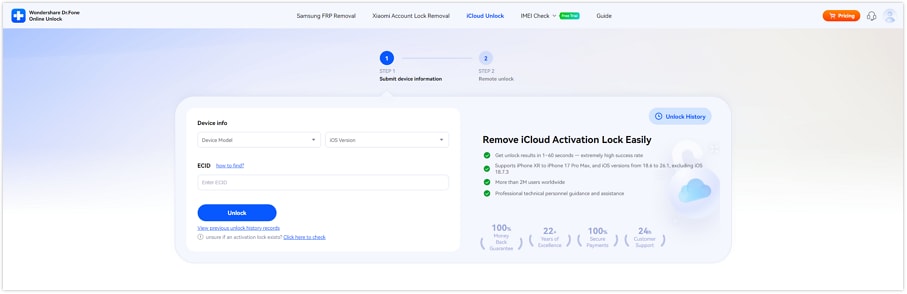
Visit the online unlock platform and select "Remove iCloud Activation Lock."
Step 2 Obtain and Enter Your Device ECID
Use the ECID retrieval tool provided on the website and enter the device information.
Step 3 Verify Device Information and Submit
Review your iPad details and submit the unlock request.
Step 4 Follow the Guided Activation Lock Removal Process
Complete the remaining instructions shown on the platform.
Part 5. Common iPad Activation Lock Problems and Fixes
Real-world problems can arise even after you have followed Apple's steps properly, and Activation Lock can still fail. Such problems can often appear when dealing with second-hand devices or when the Apple ID is forgotten.
Common Activation Lock Problems
- Unreachable previous owner
- Forgotten Apple ID email or password
- Unable to perform two-factor authentication
- Device linked to enterprise or school account
- No proof of purchase for Apple Support
Troubleshooting Activation Lock Issues
- Double-check Apple ID credentials before retrying login
- Try Apple Account Recovery using a trusted email/phone
- Contact the seller immediately if the device was recently purchased
- Check if the device is under MDM (Mobile Device Management)
- Confirm the device is not reported lost or stolen
In many cases, iCloud Activation Lock issues are not caused by the device itself, but by missing account access or ownership verification problems.
Conclusion
Activation Lock is designed to protect iPads, but it can also block access when Apple ID credentials are missing or the previous owner cannot be reached.
The safest ways to remove activation lock from iPad include:
- Using Apple ID sign-in
- Recovering Apple account credentials
- Contacting the previous owner
If these do not work, users often search for how to get around the activation lock on an iPad, especially in second-hand device situations. For most cases, Dr.Fone Online Unlock can be considered as a solution when official activation lock removal methods are no longer available.

Wondershare
Dr.Fone
Wondershare Dr.Fone
Need More Phone Tools? Discover More on Dr.Fone — One Toolkit for All Your Phone Solutions.


 Try It Free
 Try It Free
 100% Clean & Safe
FAQs
-
How to get past activation lock on iPad without the previous owner?
You will either need to recover the original Apple ID or contact Apple Support. There are limits to the official recovery processes without the original credentials. -
How to remove activation lock from iPad permanently?
Permanent removal requires Apple ID sign-in or Apple's official removal through iCloud or Support. -
Can Apple remove Activation Lock?
Yes, but only with valid proof of ownership such as a purchase receipt. -
Is bypassing Activation Lock legal?
It is only legal if you are the rightful owner or have authorization to access the device. -
Does Activation Lock return after resetting the iPad?
Yes. Activation Lock remains tied to Apple's servers until the original Apple ID removes it. -
How does Activation Lock work?
Activation Lock is automatically turned on with Find My iPad, and it ties the device to an Apple ID. The only way around this is for the original Apple ID to log in after a factory reset.