


How to Remove SIM Lock Online?
If your phone is tied to a specific carrier, you may not be able to use another SIM card until the carrier lock is removed. In this case, users usually want two things first: confirm whether the device is carrier locked, and find a clear online process to submit an unlock request.
Dr.Fone SIM Unlock provides a guided way to do both. You can first check your phone’s Carrier Lock information with an IMEI-based lookup, then submit a SIM unlock request online with the required device details.
Follow the guide below to check your lock status and start the SIM unlock process. Before submitting any request, make sure your IMEI number, country, and carrier information are correct.
Supported Devices:
- Carriers: AT&T, T-Mobile (more carriers will be supported soon)
- Phone Brands: All phone brands
- Phone Operate System: All iOS and Android versions
Regain Your Device Anytime, Anywhere
Part 1: Free Pre-Unlock Carrier Lock Check
Use your phone’s IMEI number to check Carrier Lock information for free on the Dr.Fone IMEI Check Online platform.
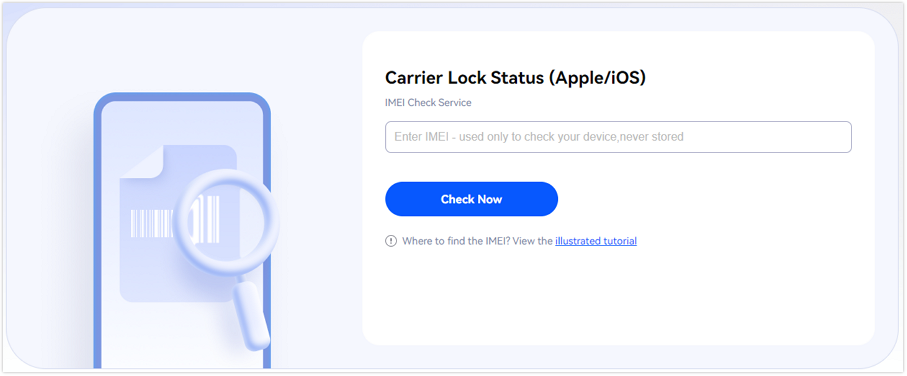
🎉 Bonus: You can perform your first IMEI check for free—no login required! Just enter your IMEI on the dashboard and view your report instantly.
Part 2: Step-by-Step Guide to Remove SIM Lock Online
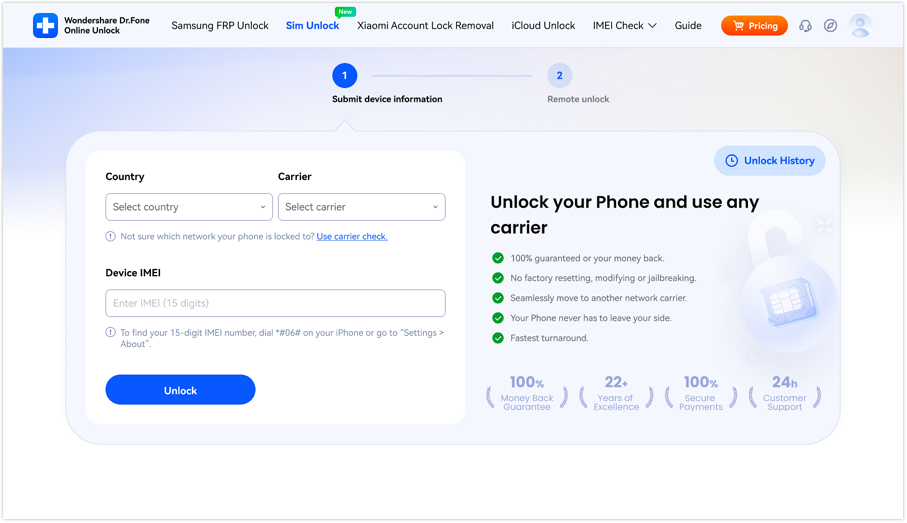
Open your browser and go to the official Dr.Fone SIM Unlock website page.
In the Country field and Carrier field, choose the options that match your device information. Then enter your IMEI number in the Device IMEI field and click Unlock to submit the request.
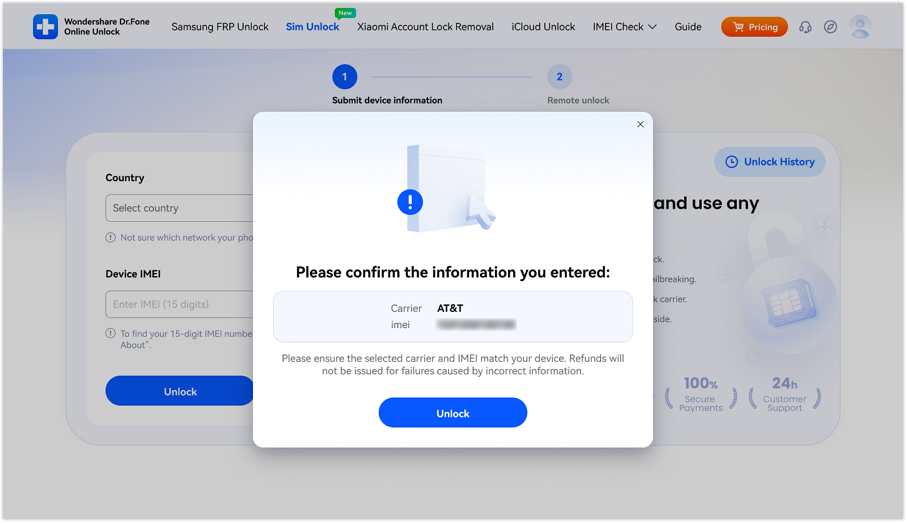
When the confirmation window appears, carefully review the Carrier and IMEI details shown on the screen. This step is important because the unlock request can only proceed properly if the submitted information is correct.
After you confirm the information, submit the unlock request to the cloud. Once the request is accepted, the system will begin processing your SIM unlock. The unlock process may take 0 to 24 hours, so you should wait for the result patiently instead of submitting repeated requests.
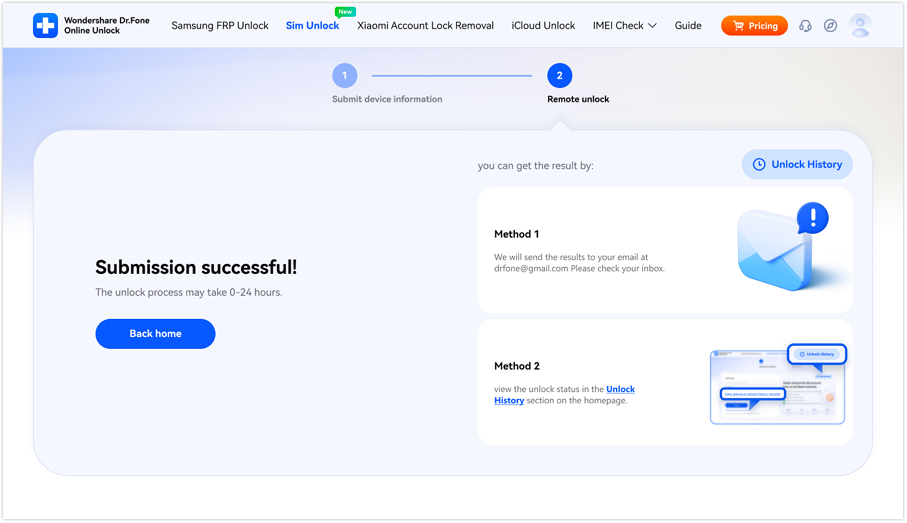
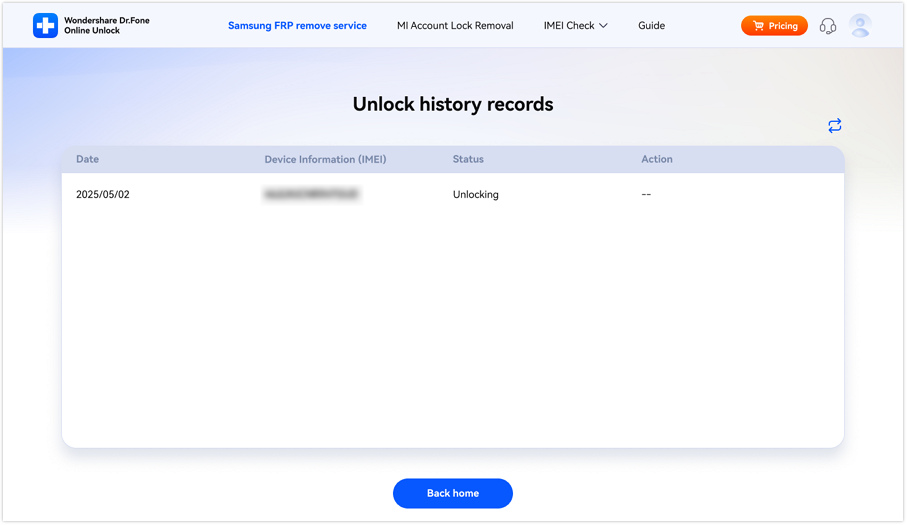
After the unlock is completed, you will receive a notification through the email address used during submission. You can also visit the Unlock History page to check the current status of your request directly.
WHAT YOU'LL NEED
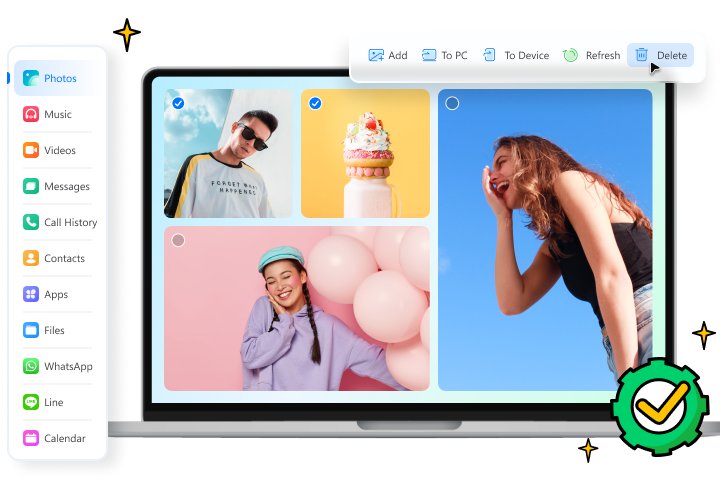
Dr.Fone provides a complete set of tools for solving all iOS/Android phone problems.
FAQs
 What does Dr.Fone SIM Unlock do?Does Dr.Fone SIM Unlock support both iPhone and Android phones?Do I need my IMEI number to submit the unlock request?How long does the SIM unlock process take?How can I check whether my phone has been unlocked?